Video clips
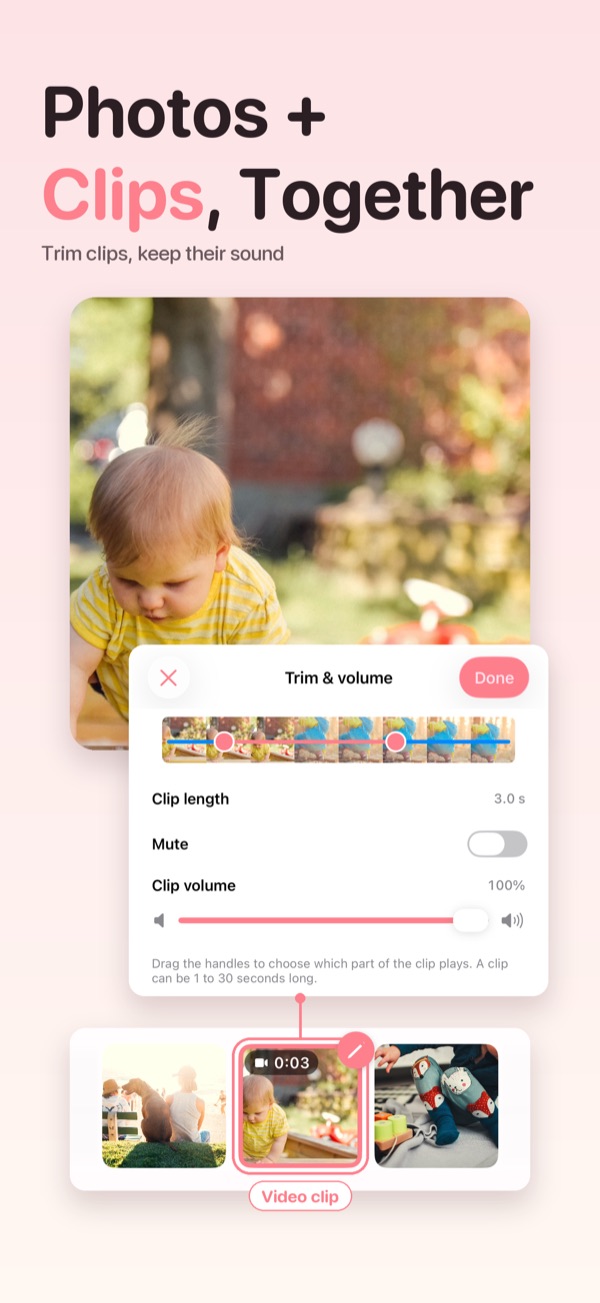
Mix up to 10 videos with your photos, using the first 60 seconds of each. Trim a clip, keep or mute its sound and set its volume. Your music softens while a clip plays.

Pick your photos and video clips, add music, and Slideshow Maker does the rest: gentle motion, cuts on the beat, captions and dates. Made for baby milestones, birthdays, weddings and family days.
The idea
The best photos of a birthday, a wedding or a baby's first year sit in the camera roll. Video editors feel like too much work for one evening.
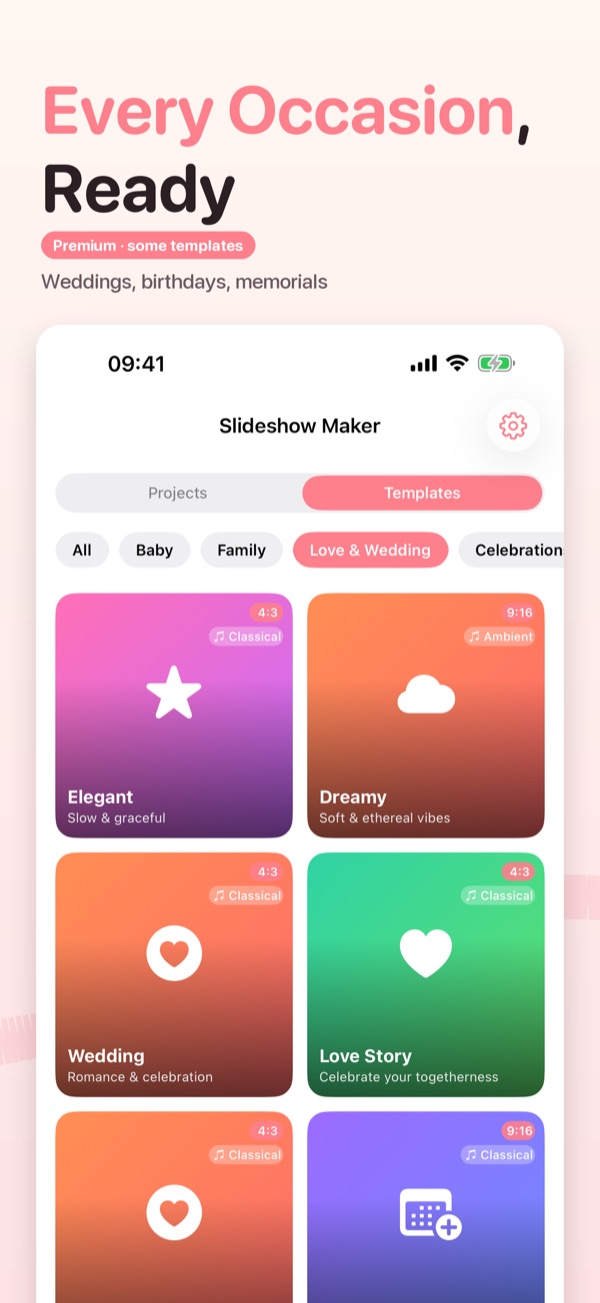
Start from a template for the occasion, drop in your photos and clips, and pick a song. Transitions, motion, captions and timing are already set.
A finished video to save to Photos or send to family on iMessage, WhatsApp, Instagram, Facebook or YouTube.
New in 1.7
Our biggest update yet: real video, a baby's first year in one tap, and cuts that follow the music.
Mix up to 10 videos with your photos, using the first 60 seconds of each. Trim a clip, keep or mute its sound and set its volume. Your music softens while a clip plays.
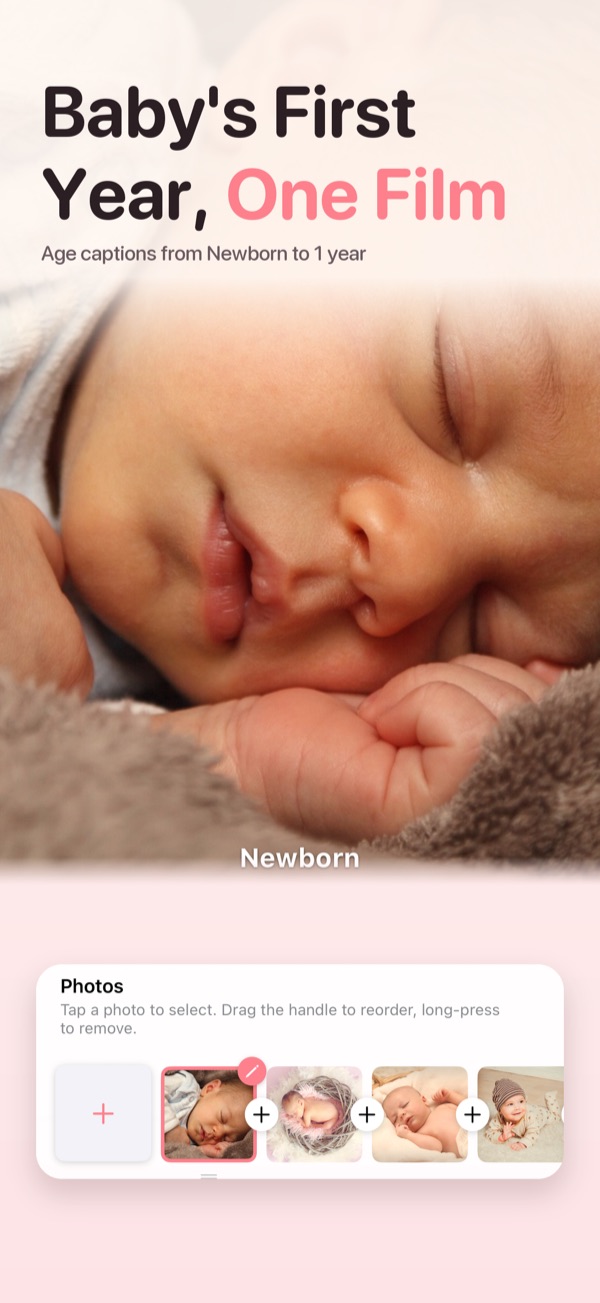
Add a birth date and every photo shows your baby's age, like "3 months". Get a gentle monthly reminder, then turn the first year into one video in a tap.
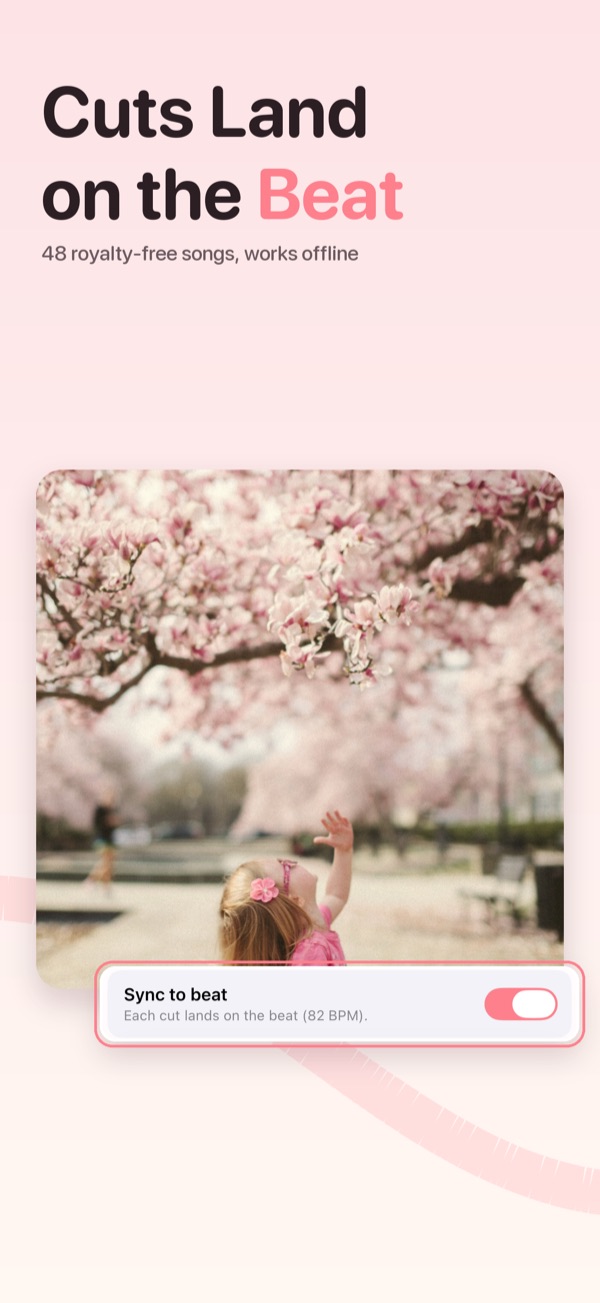
FreeCuts land on the rhythm of your music, from the built-in library or your own songs.
Photos slowly zoom and pan for a cinematic feel, with no keyframes to set.
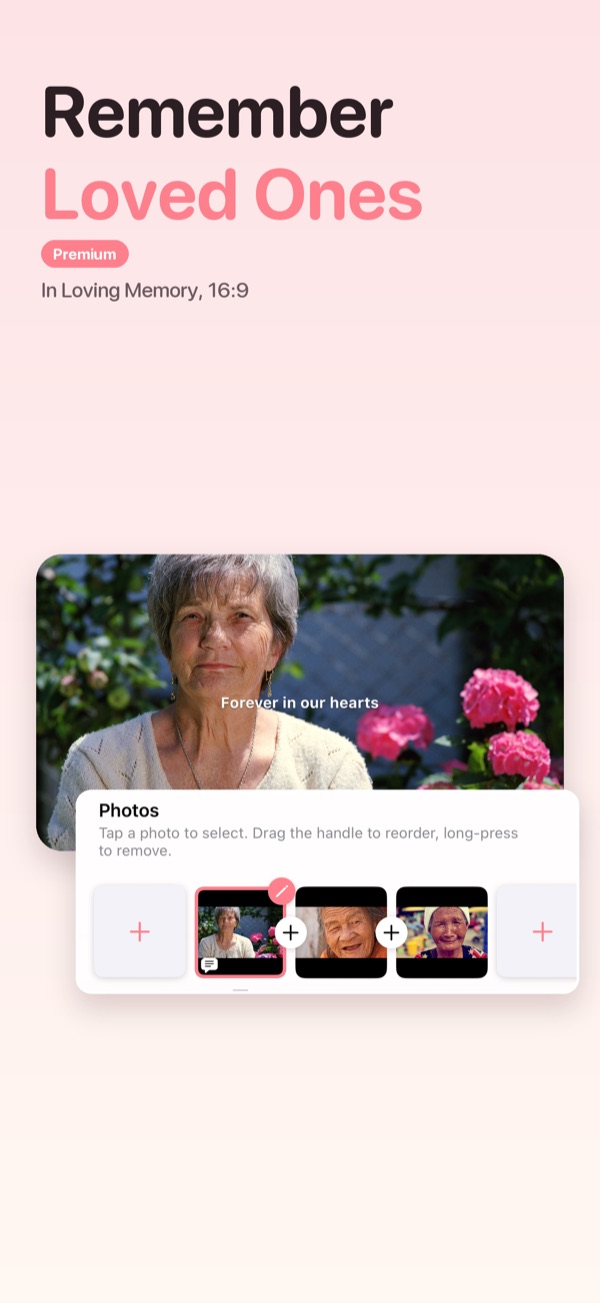
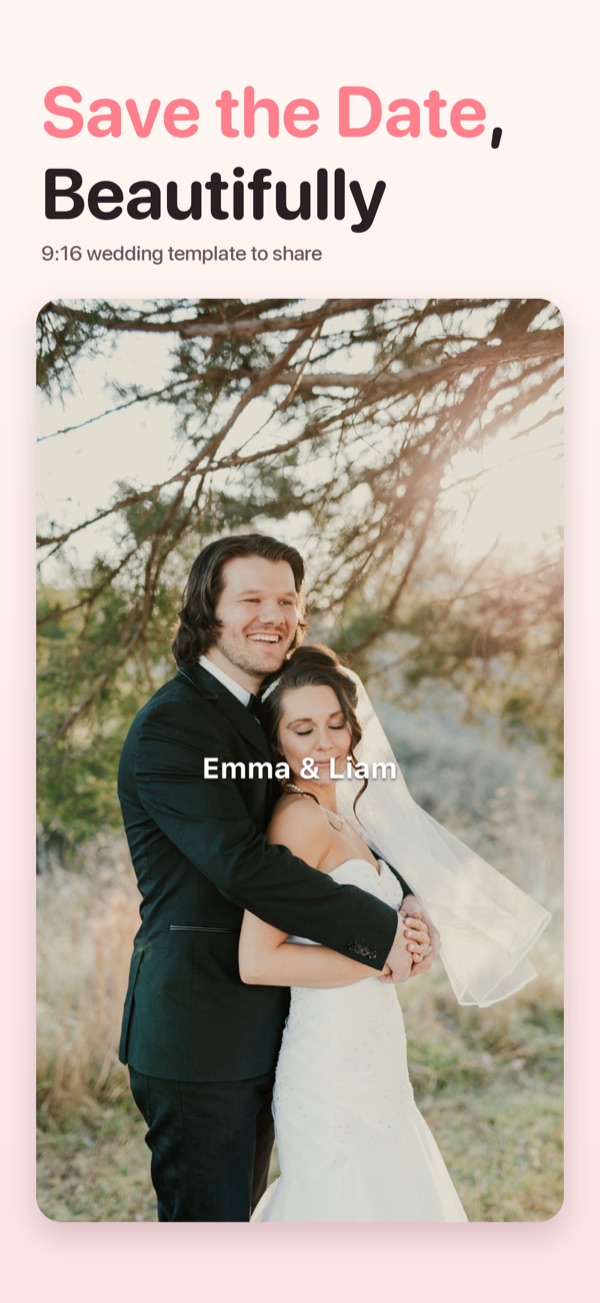
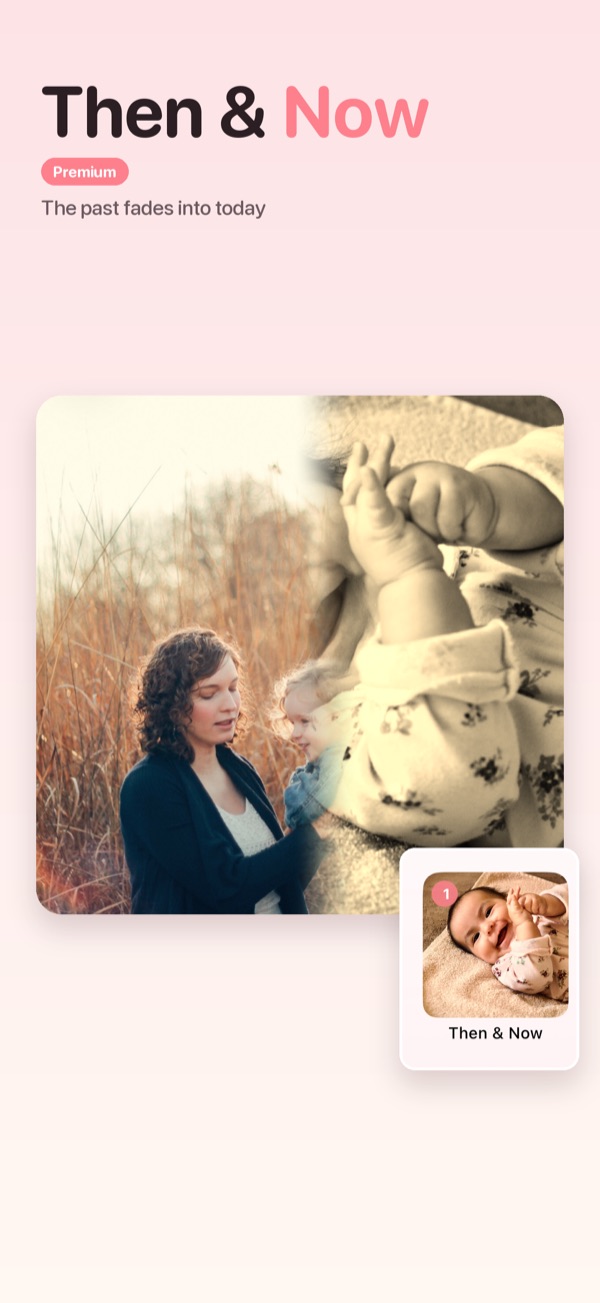
Save the Date in 9:16 for sharing, In Loving Memory in 16:9 for projectors and TVs, and a Then & Now transition where the past fades into today.
Premium · In Loving Memory, Then & NowScreenshots and near-duplicates are skipped when you pick photos, with one-tap Undo if you want them back.
Feature set
Everything you need to turn a camera roll into a keepsake, without learning a video editor.
Baby, family, love & wedding, celebrations, holidays and styles. Each one comes with its look and a soundtrack.
Premium · some templatesAround 80 transitions between photos. Try any of them for free while you edit.
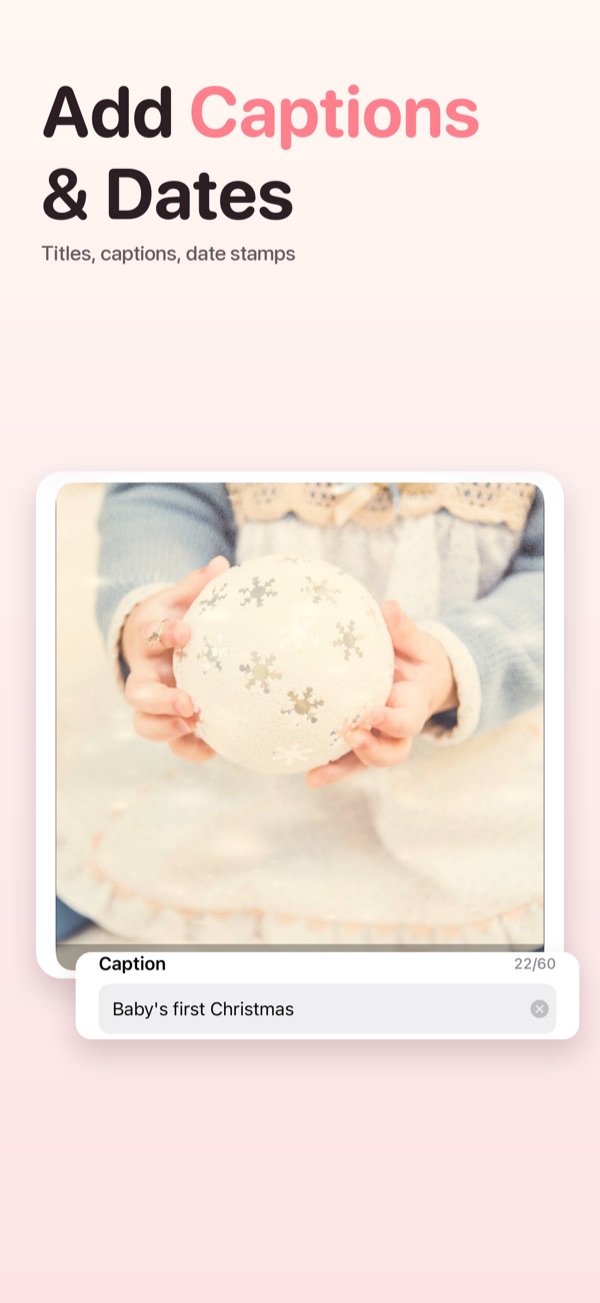
Premium · most, at exportA caption on any photo, an opening title card and automatic date stamps, exactly as they look in the preview.
Premium · extra fonts48 royalty-free recordings in 12 family and baby themes, no internet needed. Or use songs from your own library.
Premium · iCloud Drive & DropboxCrop, filters, brightness, contrast and saturation, drawing, mosaic, and emoji or text stickers.
Free1:1 for Instagram, 9:16 for Reels and TikTok, 16:9 for YouTube, plus 4:5 and 4:3, with your own background colour.
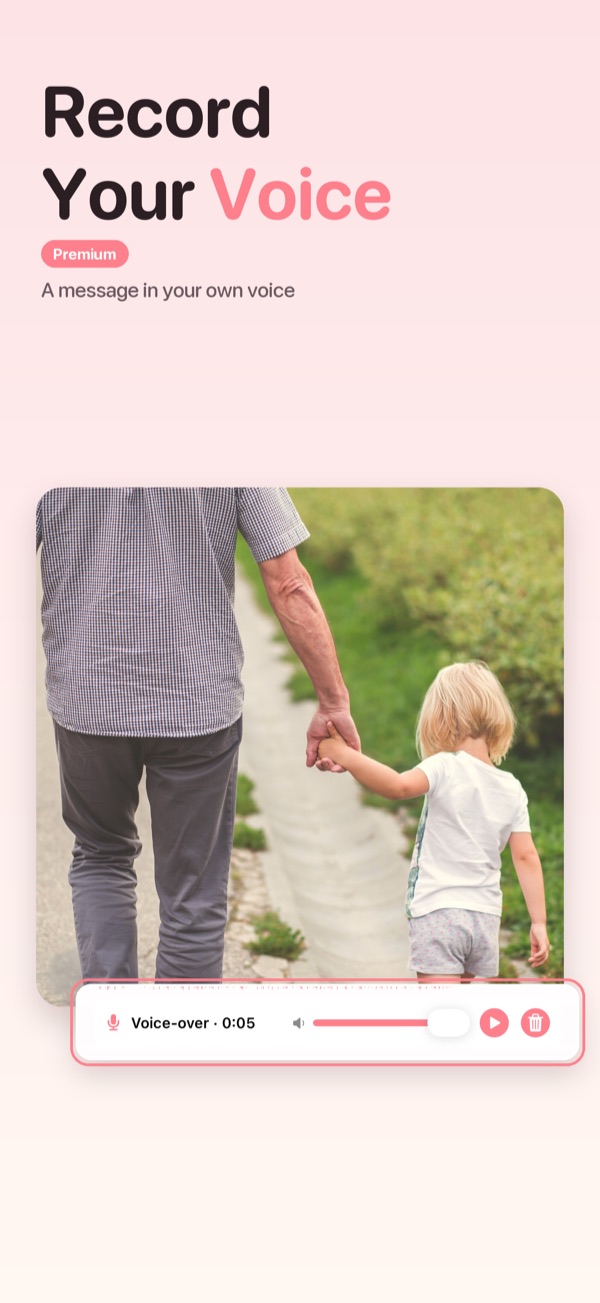
FreeTell the story in your own voice. Your music dips gently underneath, and both carry into the exported video.
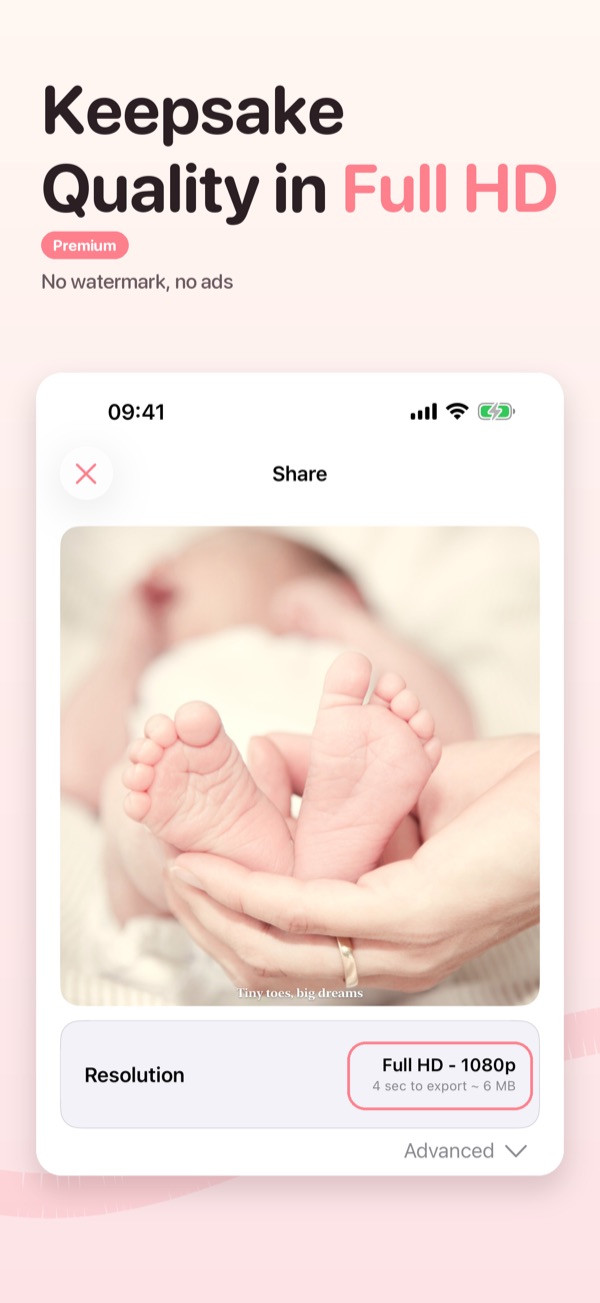
Premium · at exportSave at up to 1080p and 60 fps, as .mov or .mp4, so it looks good on the big screen.
Premium · no watermarkKeep every slideshow as its own project. Rename, duplicate or come back later to keep editing.
FreeOn the store
Made for sharing
Questions
Yes, it is free to download and make slideshows. Try every template, transition and voice-over marked with a crown for free: Premium is needed only when you export. Free exports carry a small watermark and play a short ad first. Slideshow Maker Premium gives Full HD exports with no watermark (or your own), every premium template and transition, voice-over on top of your music, extra caption fonts and colours, music from iCloud Drive and Dropbox, and no ads. Choose a monthly or yearly plan.
The 48 songs in the offline library are royalty-free recordings, so they are safe to share. If you use songs from your own music library, the usual rights of those songs apply.
Yes. Add up to 10 video clips to a slideshow. Each clip uses its first 60 seconds, and you can trim it, mute it or set its volume. Your music gets quieter while a clip plays.
Start a Baby Monthly project and add your baby's birth date. Every photo shows the baby's age, a reminder arrives each month, and at the end you can turn the whole first year into one video.
On your device, inside the app. When you export, the video is saved to Photos or sent wherever you share it.
Open Settings → your name → Subscriptions on your iPhone or iPad. To restore a purchase, use Restore on the app's Premium screen.
Not yet. Slideshow Maker is on iPhone and iPad. Questions? Write to yellowbee20192024@gmail.com.
Start today
Pick a template, add your photos and choose a song. Your first slideshow is a few taps away.